Communications, Event management, Social media
ChamberedIN
About the product
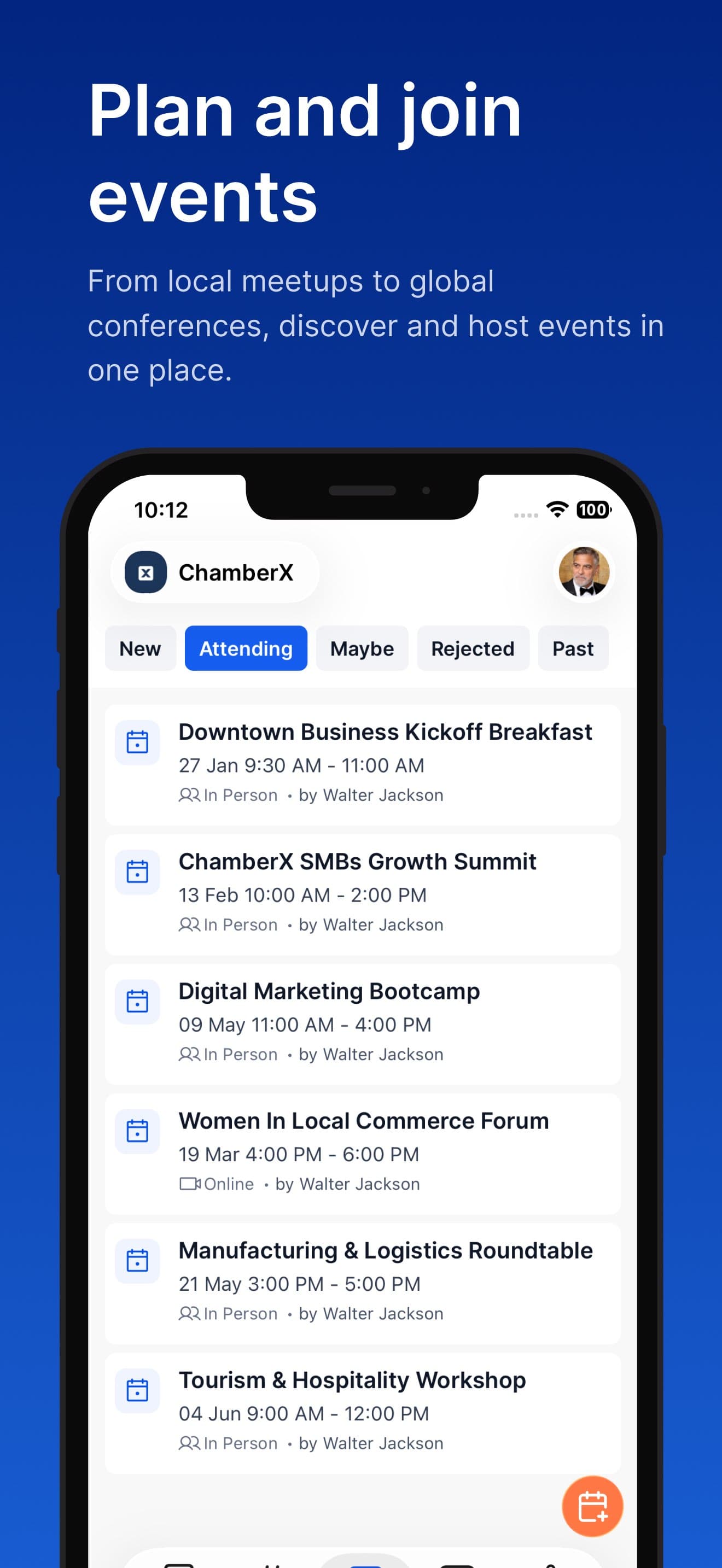
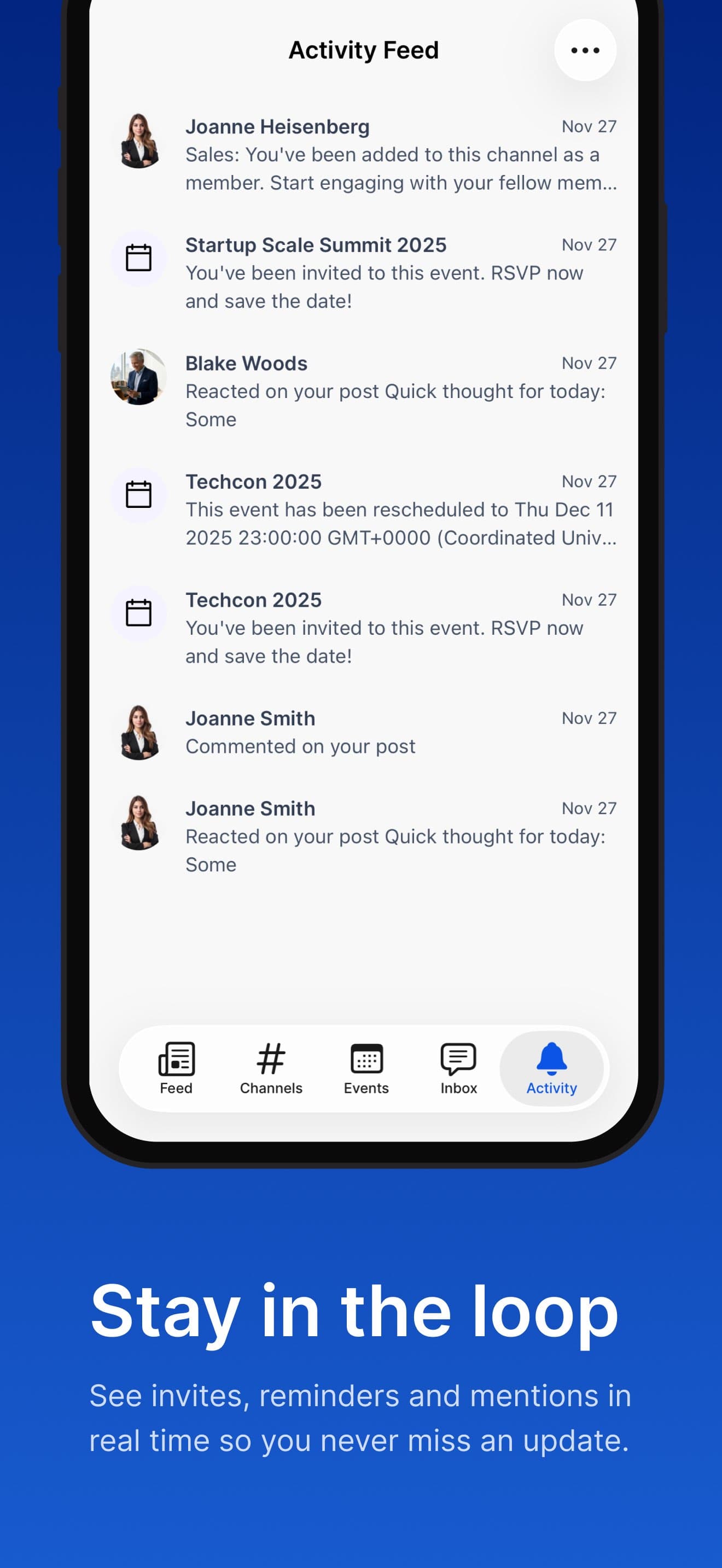
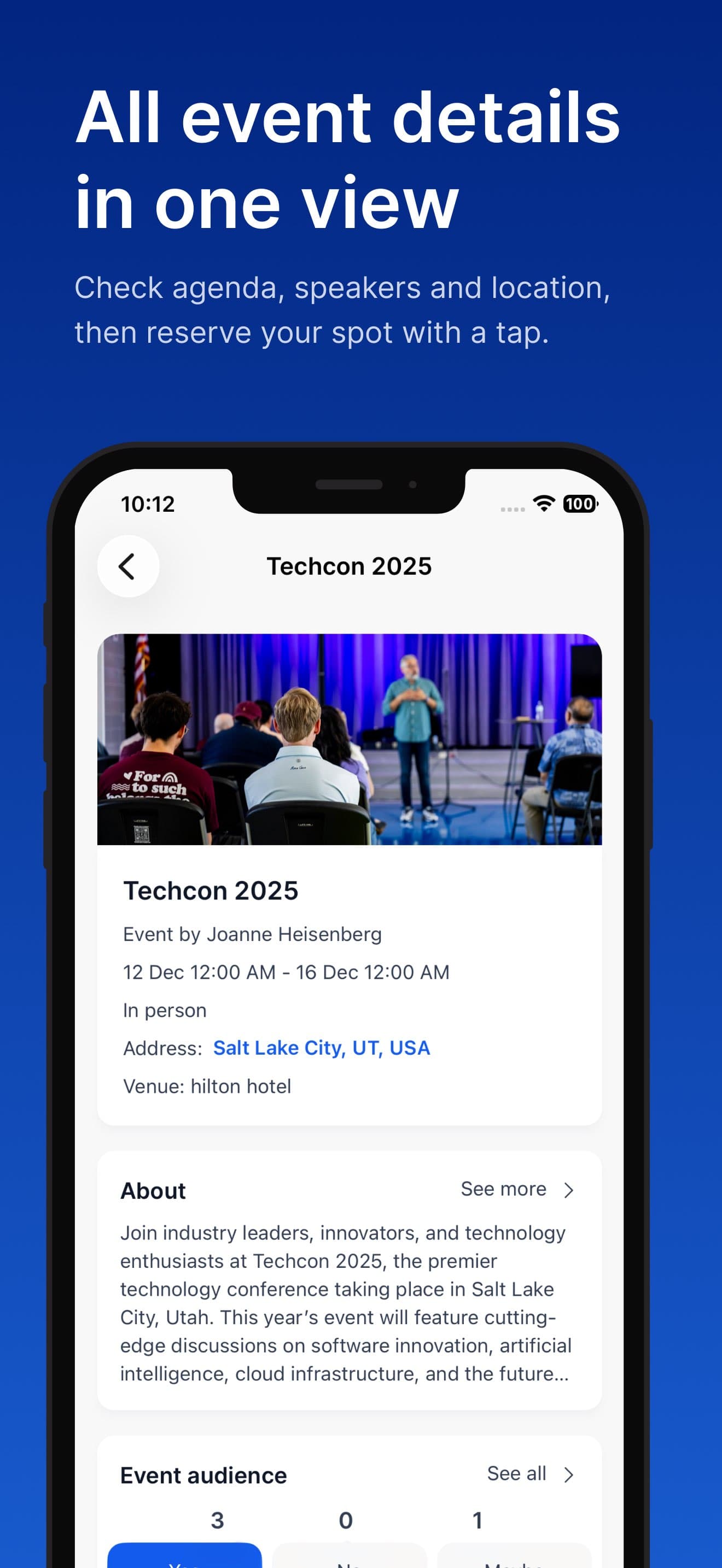
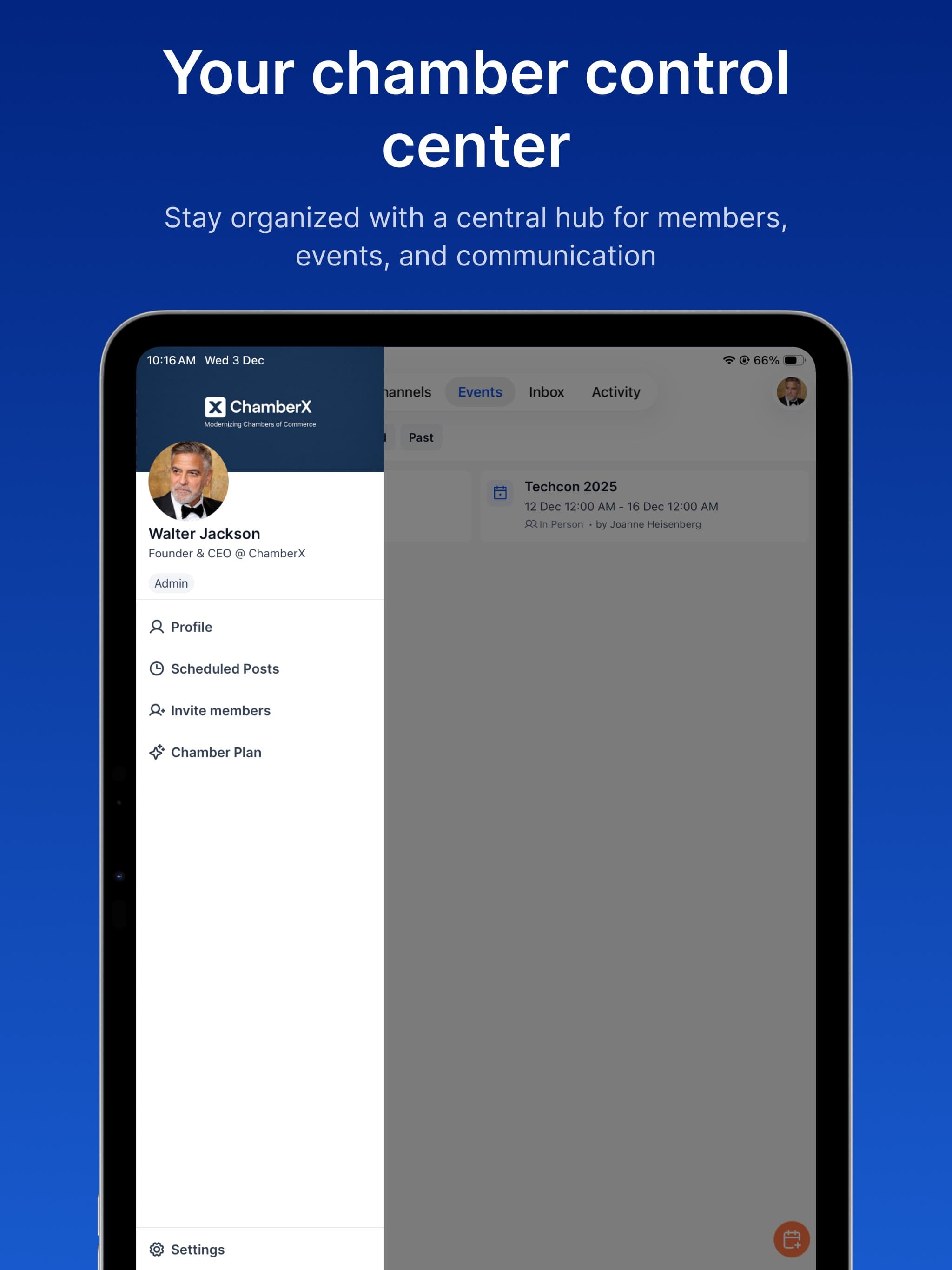
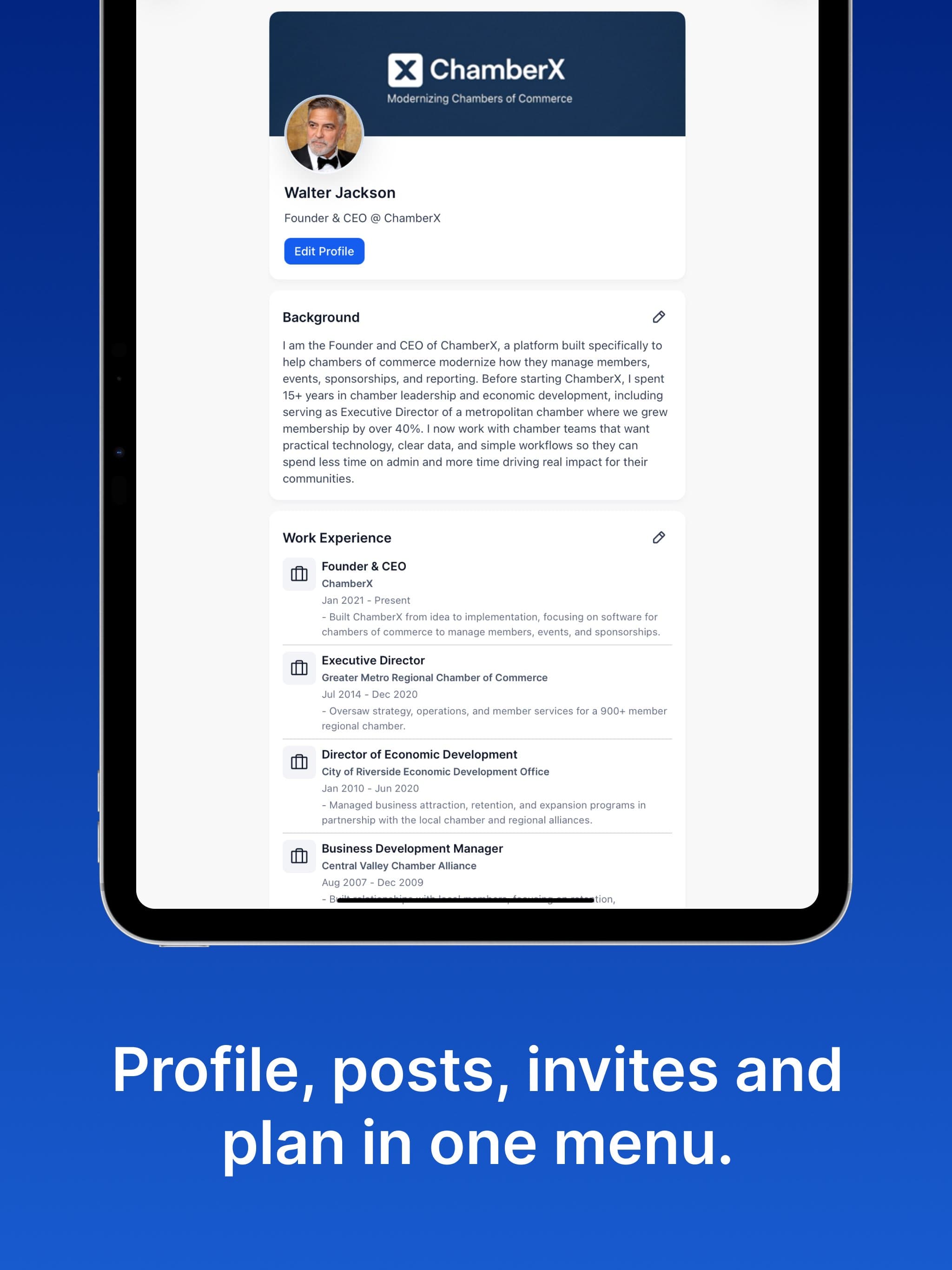
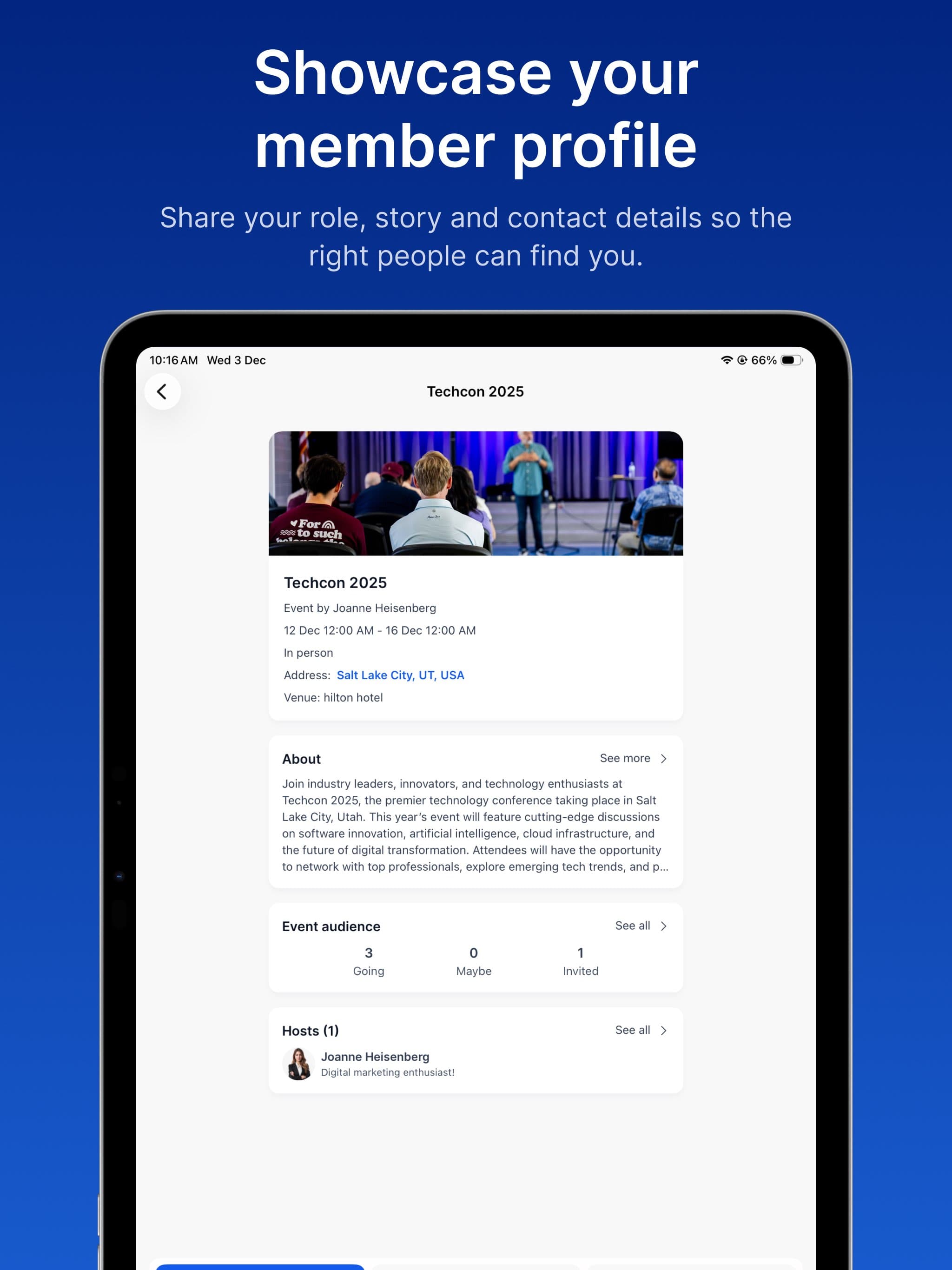
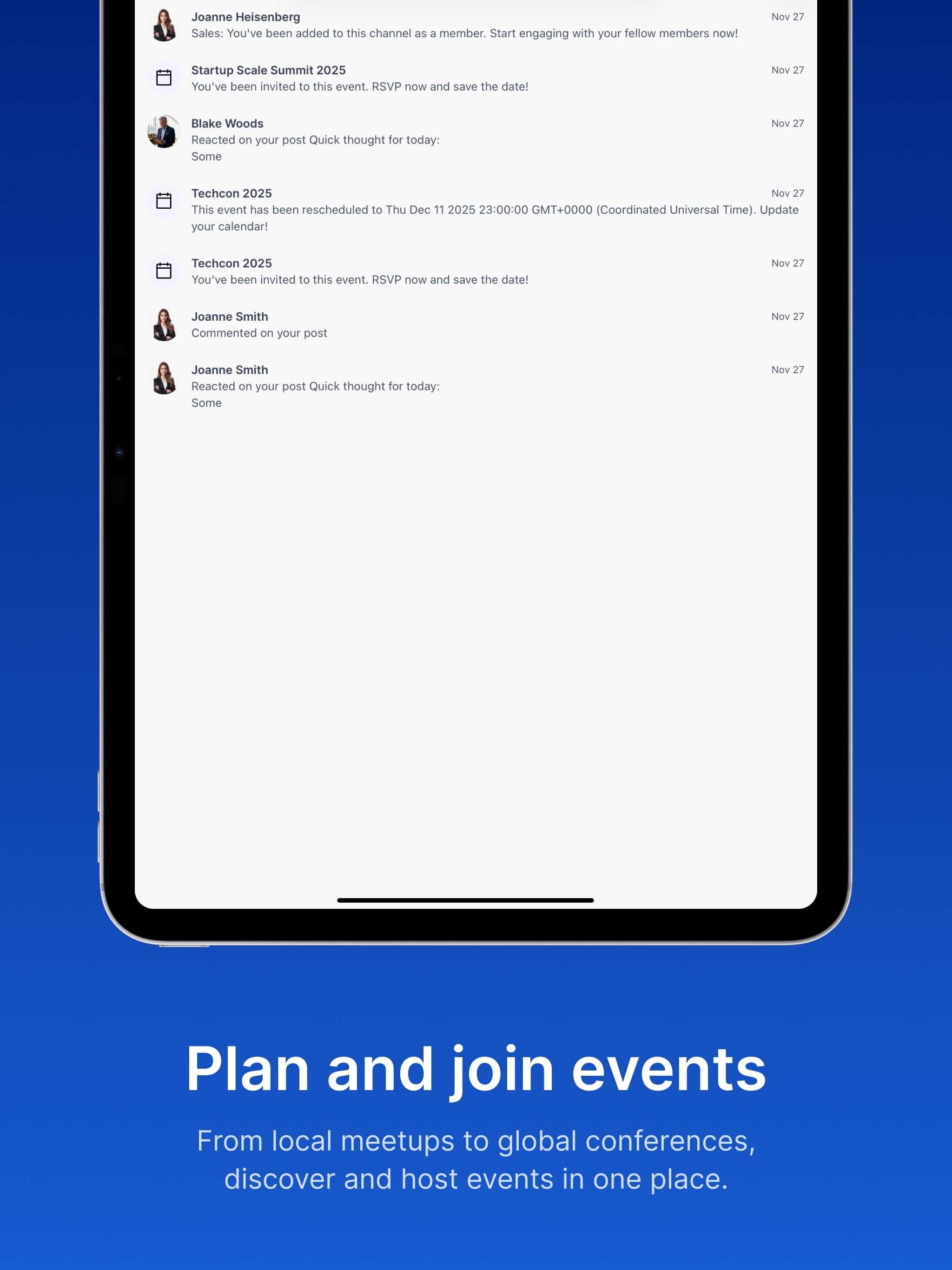
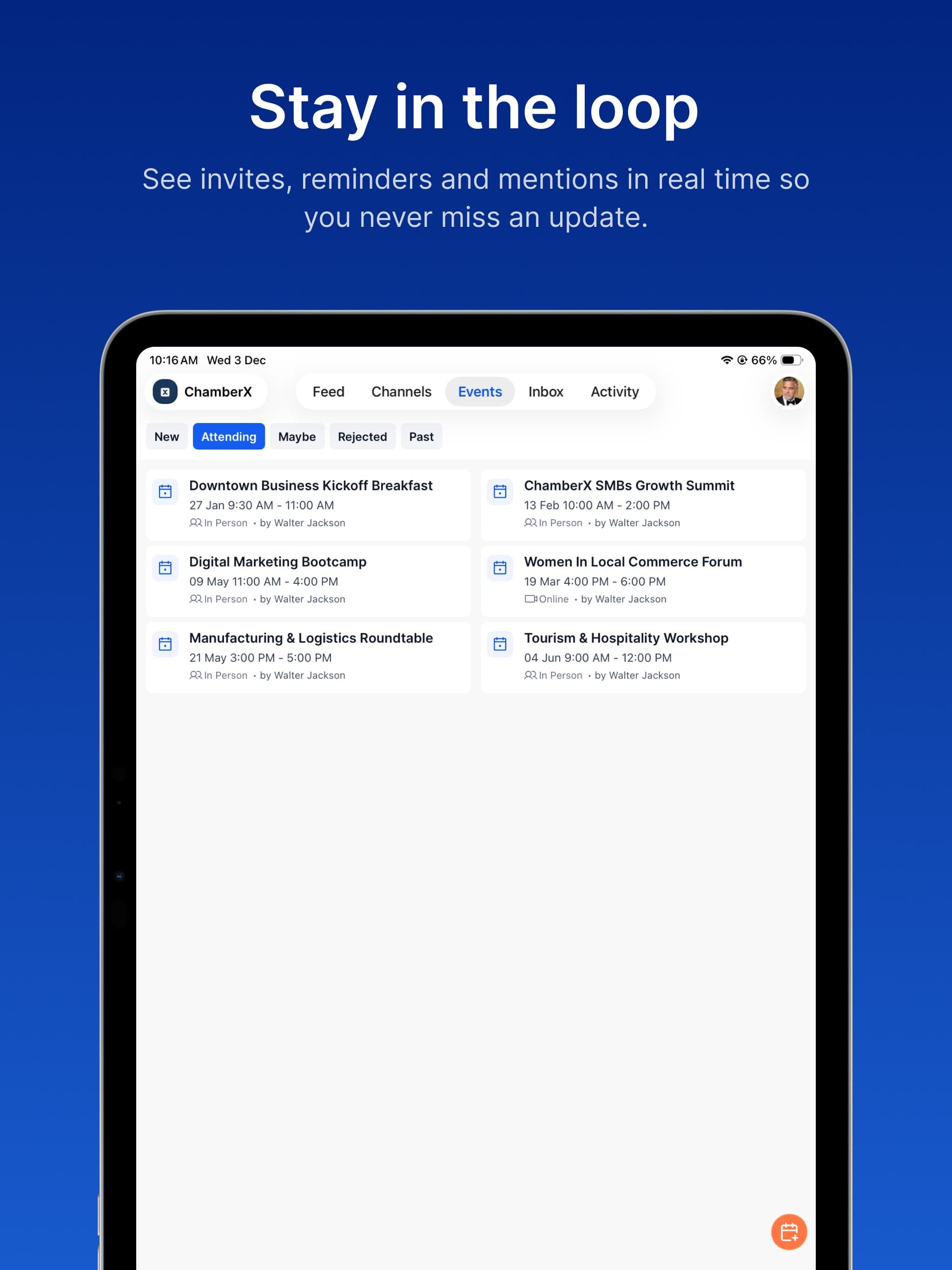
A comprehensive SaaS platform for Commerce Chambers to manage operations, engage with members, and grow their community. The platform includes a social media feed, event management, member directory, grouped notifications, and admin tools. Available on web and mobile.
- Engagement
- Client project
- Duration
- 1 yr
- Team size
- 5 people
- Platforms
- iOS, Android, Web
Role & Responsibilities
Tech Lead, Senior Front-End, Mobile and Back-End
Dec 2024 - Dec 2025- Led architecture and development of a web and mobile social media platform for Commerce Chambers.
- Implemented smooth scrolling for large feeds, grouped communication notifications, and a Liquid Glass design system.
- Built persistence approach for Firebase without the SDK; set up automated testing.
- Built content compression with thumbnails and blurhash generation.
Technologies
Technical Case Study
Lessons & Takeaways
Hybrid data sources work when boundaries are clean. GraphQL for entities, Firebase for messages - the key is never mixing ownership. Each data source owns its domain completely.
Three-layer state management scales better than one global store. Apollo handles server state, Zustand handles client state, Context handles scoped state. Each layer has clear responsibilities and doesn't leak into the others.
File-based routing pays off at scale. With 50+ screens and complex nesting, having the route hierarchy visible in the filesystem dramatically reduces navigation debugging time.
MMKV persistence transforms app launch UX. Synchronous cache restoration means users see their data immediately on launch, not a loading spinner.
Batch listeners prevent Firebase cost explosion. The 10-per-batch pattern reduced Firestore listener count by 90% for power users with many conversations.
Patch-package is essential for React Native. Native library bugs can block releases - the ability to patch and ship without waiting for upstream fixes is critical.
Token-based design systems enforce consistency. Tamagui's contextual tokens (
$label,$background) make theme switching trivial and prevent ad-hoc color usage.The React Compiler reduces cognitive load. Automatic memoization in a codebase with 60+ hooks eliminates an entire class of performance debugging.
Tech Stack & Tools
Core Framework
- Expo - Managed React Native workflow with OTA updates and EAS build pipeline, removing most native configuration overhead
- Expo Router - File-based routing that mirrors the filesystem to the route hierarchy, simplifies deep linking across 50+ screens
- TypeScript - End-to-end type safety from GraphQL schema to UI props
Data Layer
- Apollo Client + GraphQL - Primary API layer with normalized caching, optimistic UI, and real-time subscriptions via graphql-ws
- Firebase Firestore - Real-time messaging backend, chosen over GraphQL subscriptions for per-message granularity, presence, and typing indicators
- Zod + React Hook Form - Runtime validation paired with performant uncontrolled form inputs
State Management
- Zustand - Lightweight global client state (auth, UI flags) with MMKV persistence
- Apollo InMemoryCache - Normalized server-state cache with custom merge policies, avoiding duplication into client stores
- React Context - Scoped ephemeral state for feature-specific needs (chat session, post editor)
- MMKV - Synchronous key-value storage (10x faster than AsyncStorage) for persisting both Zustand and Apollo cache
UI & Design System
- Tamagui - Token-based design system with compile-time optimization, responsive props, and light/dark theming
- Reanimated + Gesture Handler - 60fps UI-thread animations and native gesture recognition for fluid interactions
- @shopify/flash-list - High-performance list rendering with cell recycling for feeds, member lists, and notifications
Native Integrations
- Stripe React Native - PCI-compliant payment collection, subscription billing, and Connect payouts
- Expo Notifications - Push notifications with per-platform channels, deep-link routing, and badge management
- expo-image - Optimized image component with caching and blurhash placeholders
Developer Tooling
- Biome + ESLint - Fast Rust-based linting alongside ESLint for comprehensive code quality
- GraphQL Code Generator - Automatic TypeScript types from the schema
- React Compiler - Automatic memoization, reducing manual useMemo/useCallback overhead
- EAS - Cloud build and OTA update pipeline across dev, staging, and production
Architecture Overview
The app follows a feature-oriented structure with clear separation between routing, UI, business logic, and data layers:
app/- File-based routing via Expo Router. Two top-level route groups:(auth)for unauthenticated flows and(private)for the main app experience behind guarded navigation. The private group contains a bottom tab navigator (feed, channels, events, inbox, notifications) and feature screens presented as stacks, modals, and bottom sheets.components/- Shared, reusable UI primitives - animated components, themed wrappers, icons, and low-level building blocks used across features.pages/+layouts/- Feature-specific screen implementations paired with layout wrappers that handle headers, safe areas, and navigation chrome.hooks/- 60+ custom hooks encapsulating business logic, platform integrations, and reusable patterns - the connective tissue between UI and data.stores/- Zustand stores for global client state (auth, UI) and React Context providers for scoped feature state (chat sessions, post editing).services/- Apollo Client configuration, cache policies, upload services, and the GraphQL WebSocket link chain.queries/+mutations/+subscriptions/+fragments/- GraphQL operations organized by domain entity, with auto-generated TypeScript types in__generated__/.fire/- Firebase Firestore integration layer for real-time messaging - listeners, message stores, typing indicators, and read receipts.
Architecture Decisions & Rationale
1. Hybrid Data Layer: GraphQL + Firebase
Decision: Use Apollo Client/GraphQL as the primary API layer for CRUD operations, but use Firebase Firestore for real-time chat messaging.
Why: GraphQL subscriptions work well for coarse-grained real-time updates (new post in feed, event RSVP change) but become expensive at the granularity needed for chat - per-message updates, typing indicators, read receipts, and presence. Firestore's real-time listeners handle this natively with automatic offline sync, optimistic writes, and per-document granularity.
Trade-off: Two data sources means two sets of state management patterns. The team mitigated this by keeping the boundary clean - GraphQL owns entities (users, chambers, channels metadata), Firestore owns messages within those entities.
2. Zustand + Apollo Cache + Context (Three-Layer State)
Decision: Three complementary state management approaches instead of a single global store.
Why:
- Apollo Cache handles server state (queries, mutations, optimistic updates) - no need to duplicate this in a client store
- Zustand handles client-only global state (auth token, selected chamber, UI flags) with MMKV persistence
- React Context handles ephemeral scoped state (current chat session, post editing mode, channel view state)
This avoids the common anti-pattern of syncing server state into Redux/Zustand and keeps each layer focused.
3. File-Based Routing with Expo Router
Decision: Adopt Expo Router's filesystem-based routing over traditional React Navigation stack definitions.
Why: The app has 50+ screens with complex nesting (auth → tabs → channels → thread). File-based routing makes the route hierarchy visible in the filesystem, simplifies deep linking configuration, and reduces navigation boilerplate. Protected routes use Stack.Protected guards that evaluate auth state, setup completion, and plan status.
4. Tamagui over StyleSheet / Styled-Components
Decision: Use Tamagui as the primary styling and component framework.
Why: Tamagui provides compile-time style optimization (extracting styles at build time), a token-based design system, and cross-platform consistency. Its styled() API and shorthand props (p, m, bg, gap) reduce code volume while maintaining type safety. The token system ($primary, $label, $backgroundSecondary) enables light/dark theme switching without conditional logic in components.
5. MMKV for All Persistence
Decision: Use MMKV (C++ key-value store) instead of AsyncStorage for all local persistence.
Why: MMKV is synchronous and 10x faster than AsyncStorage. This matters for:
- Apollo cache restoration on app launch (large cache payloads)
- Zustand state hydration (auth token needs to be available immediately)
- Emoji recents and other UI preferences
6. React Compiler (Experimental)
Decision: Enable the React Compiler (babel-plugin-react-compiler) in annotation mode.
Why: Automatic memoization reduces the need for manual useMemo, useCallback, and React.memo calls. In a codebase with 60+ custom hooks and deeply nested component trees, this provides meaningful render optimization without developer overhead.
7. Multi-Environment Build Pipeline
Decision: Three fully isolated environments (development, preview/staging, production) with separate bundle IDs, API endpoints, and other keys.
Why: Enables parallel testing of features in staging while production remains stable. Separate bundle IDs allow all three versions to coexist on a single test device. EAS build profiles automate the entire matrix.
8. External Store Pattern with useSyncExternalStore for Real-Time Messaging
Decision: Model channel messaging as a class-based external store (MessagesStore) that owns its own Firestore listener, pagination cursor, and message merge logic - and expose it to React through useSyncExternalStore rather than useState + useEffect.
The problem it solves: Chat is the highest-throughput screen in the app. A busy channel can receive multiple messages per second, and a long conversation accumulates hundreds of messages through pagination. The naive approach - a useState hook updated inside a Firestore onSnapshot callback - creates two compounding issues:
Unnecessary re-renders on every snapshot. Each call to
setStatetriggers a full component render cycle. In a chat screen with a keyboard, animated reply bars, gesture handlers, and a FlashList, that render is expensive. When messages arrive rapidly, renders stack up and the UI drops frames.State tearing between live and paginated messages. The screen has two message sources: a real-time Firestore listener for the latest 25 messages, and paginated fetches for older history. With
useState, merging these two arrays means multiplesetStatecalls that can produce intermediate renders where only one source has updated - causing visible flicker or duplicate messages.
How useSyncExternalStore solves both:
The MessagesStore class manages all message state outside of React:
class MessagesStore {
  private liveMessages: Message[] = []   // from real-time Firestore listener
  private moreMessages: Message[] = []   // from paginated fetches
  private messages: Message[] = []       // merged, sorted, enriched output
  private listeners: (() => void)[] = [] // React's change notifiers

  subscribe(callback)    // hooks up Firestore listener + registers React callback
  getMessages()          // returns the current merged snapshot (stable reference)
  emitChanges()          // notifies React only after all processing is complete
}
When a Firestore snapshot arrives, the store updates liveMessages, merges with moreMessages, runs URL detection and timestamp grouping across the full array, and only then calls emitChanges() - which notifies React exactly once. The same single-notification path applies when the user scrolls to load older messages: moreMessages is merged, deduped by ID, sorted, and emitted as one atomic update.
On the React side, the integration is minimal:
const [messagesStore] = useState(() => new MessagesStore(chamberId, channelId));
const messages = useSyncExternalStore(
  (onStoreChange) => messagesStore.subscribe(onStoreChange),
  () => messagesStore.getMessages(),
);
React only re-renders when getMessages() returns a new reference - which happens once per logical update regardless of how many intermediate Firestore events, pagination merges, or enrichment steps occurred internally.
Why this matters for long conversations:
- Pagination stays outside the render cycle. Loading 25 more messages triggers a
get()call, a merge, a sort, and one emit. Without this pattern, that would be at least twosetStatecalls (loading flag + messages) producing two renders. - Real-time + historical messages merge atomically. The store's
sortAndMapMessages()combines both sources into a single sorted array before React ever sees it. No intermediate state, no flicker. - Expensive per-message processing runs once. URL detection (
detectUrls), timestamp grouping (areMessagesSameTime), and link extraction happen inside the store's sort pass - not in render, not inuseMemo, and not repeated when React re-renders for unrelated reasons (keyboard, reply bar, theme change). - FlashList receives a stable array reference. Because
getMessages()returns the same array until the nextemitChanges(), FlashList's internal diffing sees no change during unrelated re-renders, keeping scroll position and cell recycling efficient.
Trade-off: The store is imperative and lives outside React's state model. Debugging requires inspecting the class instance rather than React DevTools. The team accepted this because the performance gain on the highest-traffic screen justified the debugging cost, and the store's API surface is small enough (subscribe, getMessages, loadMore) to reason about in isolation.
Domain Model
At its core, the app models multi-tenant professional communities. The central concept is the Chamber - an independent workspace that acts as both a community hub and a business entity. Everything in the app lives within the context of a chamber.
Organization & Membership: Each chamber has its own member base with a tiered role system that governs who can do what. Permissions cascade from chamber-wide governance rules down to individual feature areas like channels and events. A single user can belong to multiple chambers, each with a different role and subscription level.
Communication: Two parallel real-time systems serve different interaction patterns. Channels provide topic-based group communication with threading, while direct messaging offers private one-to-one conversations. Both support reactions, read receipts, and typing indicators.
Content & Engagement: A feed system allows rich content publishing - text, media, documents, and polls - with scheduled posting and nested comment threads. Multiple reaction types and real-time updates keep engagement visible.
Events: The platform supports event lifecycle management - creation, invitations across multiple strategies, RSVP tracking, role assignment (hosts, speakers, sponsors), and calendar integration with external providers.
Monetization: A freemium subscription model gates feature access progressively. Chambers can define custom member plans with seat-based billing. The platform handles payment processing, invoicing, plan migrations with proration, and revenue payouts to chamber operators.
Professional Identity: Users maintain professional profiles with education, work history, skills, and language proficiency - positioning the app as a professional network rather than a casual social platform.
Key Features Implemented
- Real-time messaging - Channel and direct messaging with threading, reactions, typing indicators, read receipts, and media sharing
- Content feed - Rich posts with media attachments, polls, scheduled publishing, reactions, and nested comments updated in real-time
- Event management - Full event lifecycle with RSVP tracking, role assignment, calendar integration, and multiple invite strategies
- Subscription billing - Stripe-powered plans with seat-based pricing, proration, and Connect payouts
- Auth & onboarding - Email/password and Apple Sign In with a guided multi-step setup flow
- Push notifications - Per-platform notification channels with deep-link routing and badge management
Performance Optimizations
FlashList for Large Lists
Replaced FlatList with Shopify's FlashList across all scrollable screens (feed, events, notifications, member lists, inbox). FlashList's cell recycling and lazy rendering dramatically reduces memory usage and improves scroll FPS for lists with 100+ items.
A custom ScreenFlashList wrapper handles safe area insets, header height compensation, and platform-specific padding to provide consistent behavior across iOS and Android.
Stable Callback Pattern
A custom useStableCallback hook wraps functions in a ref to maintain a stable reference while always accessing the latest closure values. This prevents re-render cascades in deeply nested component trees without requiring manual dependency arrays.
Apollo Cache Strategies
- cache-first for initial loads (instant UI from cache)
- cache-and-network for screen focus refetches (show cache, update in background)
- Custom merge policies with
mergeByRefto deduplicate paginated results - Cache persistence to MMKV for instant app launch without loading states
Image Optimization Pipeline
- Client-side compression via
react-native-compressorbefore upload expo-imagewith memory-disk caching and recycling keys in lists- Blurhash placeholders to prevent layout shift during load
App State Refetch with Debounce
A custom useAppStateRefetch hook listens for app foreground events and refetches active queries with a 5-second debounce to prevent thrashing. Includes fallback retry logic if the primary refetch fails.
Deduplication Throttle
A useDedupe hook prevents duplicate form submissions and button presses with a configurable cooldown (default 250ms) - simple flag-based approach that handles the most common source of duplicate mutations.
Design System & Theming
Token-Based System (Tamagui)
Typography Scale:
- Font: Inter (Medium, SemiBold, Bold)
- Sizes: 12px → 28px across 10 scale values
- Named variants: xxs, xs, sm, md, lg, xl, displayXs → display2xl
Spacing Scale:
- 4px increments: 4, 8, 12, 16, 20, 24, 28, 32, 36, 40, 48, 64, 80, 96 → 384
Color System:
- Primary:
#155eef(blue) - Secondary:
#FF703E(orange) - Semantic tokens: success (
#039855), warning (#dc6803), error (#f04438) - Contextual tokens:
$label,$sublabel,$body,$placeholder,$disabled - Background tokens:
$background,$screen,$card,$backgroundSecondary
Light + Dark Theme:
Both themes use the same contextual token names, mapped to appropriate values per theme. Components reference tokens (e.g., color="$label") and automatically adapt to the active theme.
Shorthand Props:
p → padding, m → margin, bg → backgroundColor
f → flex, fd → flexDirection, ai → alignItems
gap, w → width, h → height, br → borderRadius
DevOps & Deployment
Build Pipeline (EAS)
| Profile | Environment | API | Other Keys | Distribution |
|---|---|---|---|---|
| development | dev | staging api | Test keys | Internal (simulator) |
| preview | staging | staging api | Test keys | Internal (APK/IPA) |
| production | production | live api | Live keys | App Store / Play Store |
Code Quality
- ESLint with Expo config + React Compiler rules
- Prettier for formatting consistency
- Biome for fast linting (Rust-based)
- Qodana for automated code quality analysis
- GraphQL Codegen ensures API type safety
This case study documents the technical architecture and engineering decisions behind a production mobile application serving professional communities. The app handles real-time messaging, subscription billing, complex access control, and rich content feeds across iOS and Android from a single TypeScript codebase.